
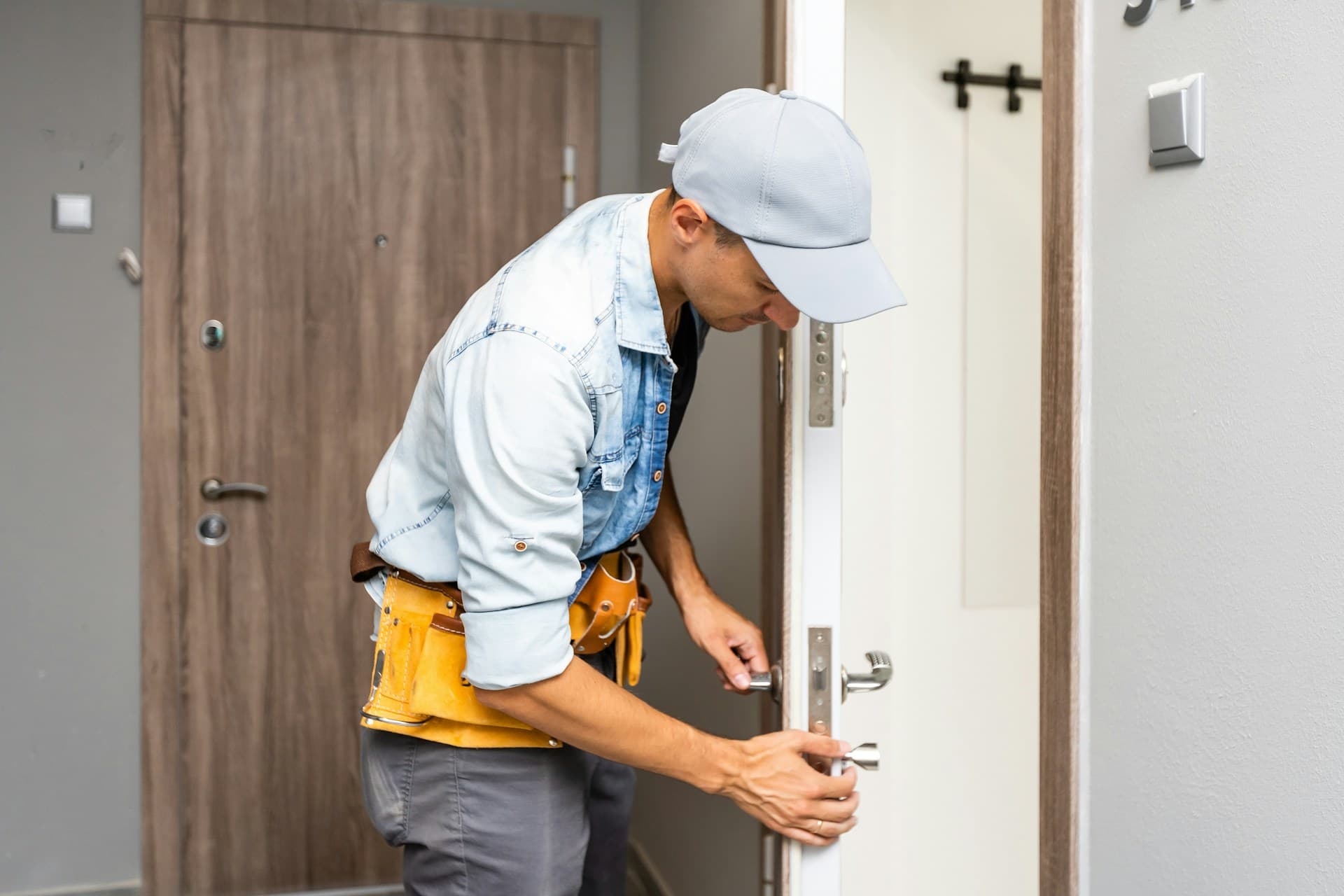
How to Handle Lost Office Keys Without Replacing Every Lock
Quick Answer: Lost office keys do not always mean every lock in the building has to be replaced. In many cases, a commercial locksmith can rekey the affected locks so the missing key no longer works, while the hardware stays in place. The right move depends on what key was lost, what it opened, who may have had access to it, and how your office key system is set up.
If you are not sure which doors are at risk, Oncall Locksmith can come to your Tampa business, check the locks on site, and help you secure the right areas without replacing more than necessary.
Table of Contents
- What to Do First When Office Keys Go Missing
- Do You Need to Replace Every Lock?
- Rekeying vs. Replacing Office Locks
- What If the Lost Key Was a Master Key?
- When Access Control or Keypads Are Involved
- How to Reduce the Risk of Lost Office Keys Later
- Why Tampa Businesses Call Oncall Locksmith
What to Do First When Office Keys Go Missing
Lost office keys should be handled quickly, but not dramatically.
The first step is figuring out what kind of key is missing. A front door key is different from an interior office key. A storage room key is different from a master key. A key that only opens one filing room may not create the same risk as a key that opens the front door, back door, and private offices.
Start with the basics:
- Who had the key last and when was it noticed missing?
- What doors or areas did the key open?
- Was the key labeled with the business name, suite number, or address?
- Could it have been taken by a former employee, vendor, or visitor?
- Do you have a master key system?
- Are there extra copies floating around that are not logged?
If the key has no identifying information and only opens a low-risk interior door, you likely do not need a major lock change. If the key opens exterior doors, sensitive areas, employee-only spaces, cash storage, server rooms, or medical or legal files, it should be taken more seriously.
The goal is simple: make sure the missing key cannot be used to enter the business.
Do You Need to Replace Every Lock?
Usually, no. In many cases, you do not need to replace every lock after office keys are lost. Rekeying is often enough because it changes the internal pins or configuration of the lock so the old key no longer works. The existing lock hardware stays on the door, but a new key operates it. That means your business can secure the affected doors without buying all-new locks for the entire office.
Lock replacement may still make sense if:
- The lock is damaged
- The hardware is outdated
- The lock is low quality
- The door is used heavily and the lock is worn
- You want to upgrade to high-security hardware
- The business needs better control over key duplication
- The current key system is confusing or poorly managed
For a lot of businesses, the right answer is a mix. Rekey the locks that are still in good condition. Replace the locks that are worn, unreliable, or not secure enough for the space.
That is where a commercial locksmith matters. A good technician should look at the actual doors, locks, key system, and access needs before recommending a solution.
What If the Lost Key Was a Master Key?
A lost master key is more serious. If that key is missing, the risk is bigger because one key may provide access to multiple areas of the business.
In that case, a commercial locksmith should review the full master key system before any work is done. The answer may include rekeying several locks, changing the master key structure, issuing new keys to authorized employees, and tightening up key control going forward.
This is also a good time to ask whether your current master key system still makes sense.
Businesses change. Employees come and go, departments move, vendors get access, and spare keys get handed out during busy seasons and never returned. After a while, nobody is completely sure who has what, which is not a great system.
A properly planned master key system should make access easier for the right people and harder for everyone else. Managers may need access to several areas. Employees may only need access to specific rooms. The key system should reflect that.
Learn more about how master key systems work for businesses from our previous quick tip guide.
When Access Control or Keypads Are Involved
Some offices use a mix of traditional keys, keypad locks, smart locks, or access control. If that is the case, lost office keys are only part of the access review. Check anything tied to the missing key or the person who lost it.
If an employee lost keys, left the company, or had access that is no longer needed, physical locks are only one side of the issue. Codes and electronic access should be updated too.
This is especially important for businesses with after-hours staff, cleaning crews, delivery access, shared offices, medical offices, retail spaces, warehouses, and professional offices with sensitive client information. Read SBA’s guide on controlling physcial access to business devices for more information on this.
Bottom line: The cleaner the access system, the easier it is to manage later.
How to Reduce the Risk of Lost Office Keys Later
You cannot prevent every lost key, but you can make the next incident easier to handle.
The biggest mistake businesses make is waiting until keys go missing to figure out who has access. By then, the list is usually incomplete. A simple key control plan is enough for many small and mid-sized offices.
Here are some tips from a professional locksmith:
- Keep a written key log
- Record who receives each key
- Avoid handing out unlabeled spare keys casually
- Require keys to be returned when someone leaves
- Limit master keys to people who truly need them
- Do not leave office keys in unlocked desks or drawers
- Review access after staffing changes
- Rekey after tenant changes, employee turnover, or security concerns
- Use restricted or high-security keys when duplication control matters
For larger businesses, it may be worth moving some doors to keypad or access control. That way, access can be changed without collecting every physical key.

Why Tampa Businesses Call Oncall Locksmith
Oncall Locksmith works with Tampa Bay businesses on commercial lockouts, office rekeying, master key systems, high-security locks, panic bars, access control, and other business locksmith needs. We are a mobile locksmith service, so the technician can come to your office, review the locks on site, and explain what actually needs to be done.
Call Oncall Locksmith at (813) 513-7640 or submit a locksmith request online to get the right doors secured without replacing locks that do not need to be replaced.